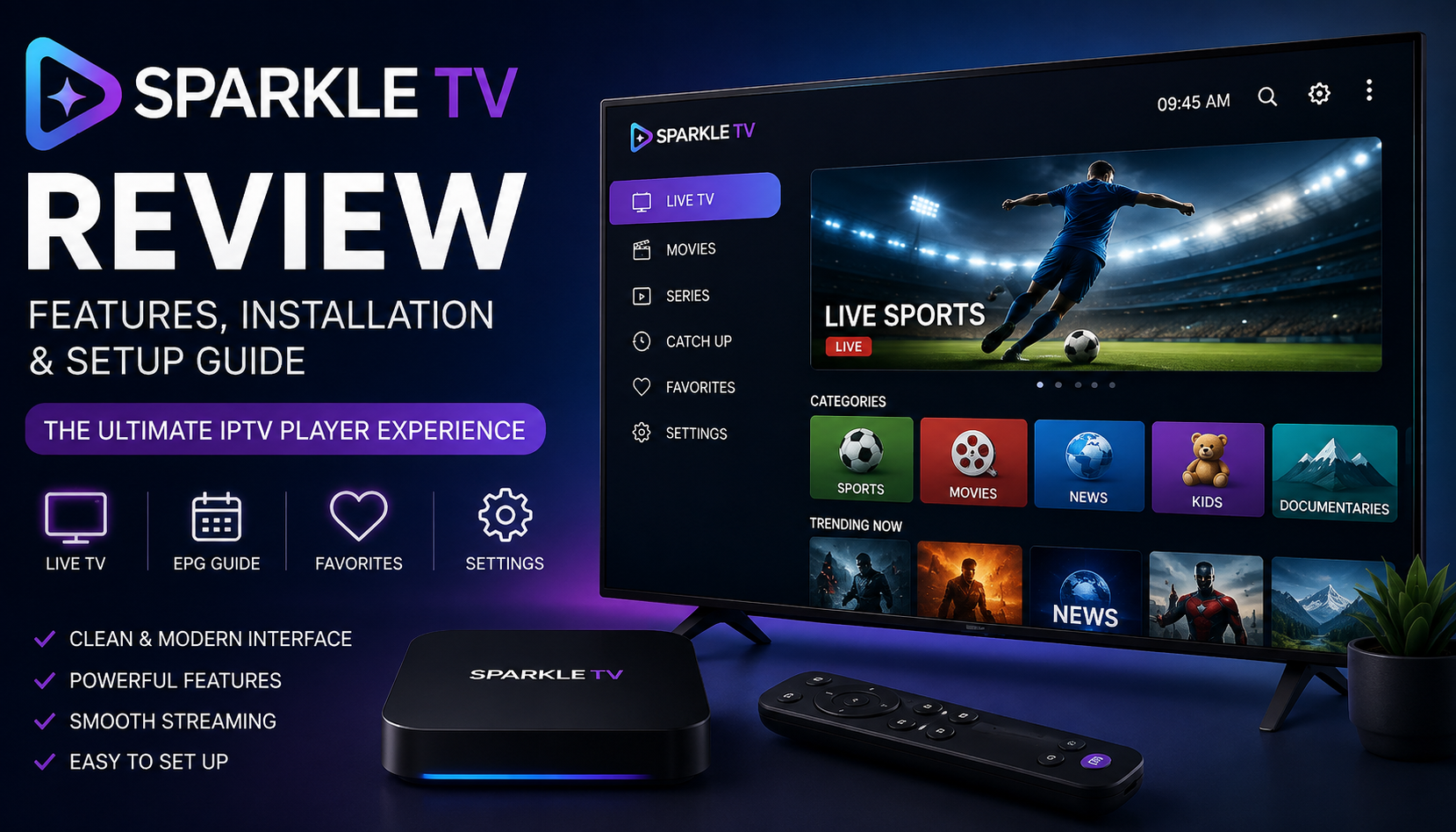
Sparkle TV Review: Features, Installation & Setup Guide (2026)
If you’re looking for a modern IPTV canada player with an intuitive interface and excellent performance, Sparkle TV is one of the most popular options available today. Designed primarily for Android TV and Google TV devices, Sparkle TV provides a smooth viewing experience, customizable layouts, electronic program guide (EPG) support, and advanced playback features.
Unlike streaming services that provide their own content, Sparkle TV is a media player. Users add their own compatible playlists or media sources to organize and watch content through a clean and responsive interface.
This guide explains everything you need to know about Sparkle TV, including its features, supported devices, installation process, setup instructions, advantages, disadvantages, and common troubleshooting tips.
What Is Sparkle TV Review ?
Sparkle TV is a television player designed for Android-based devices. It offers a traditional TV-like experience with channel organization, program guides, favorites, parental controls, and extensive customization options.
The application focuses on performance and usability, making it suitable for users who prefer a clean interface and quick navigation.
Unlike many basic media players, Sparkle TV includes features commonly found in premium television platforms.
Main Features of Sparkle TV
Modern User Interface
Sparkle TV offers an attractive interface optimized for television screens.
Features include:
- Large channel logos
- Easy navigation
- Smooth transitions
- Fast loading
- Multiple viewing layouts
The interface is designed for remote control navigation, making it comfortable on large screens.
Electronic Program Guide (EPG)
One of Sparkle TV’s strongest features is its EPG support.
Benefits include:
- Current programs
- Upcoming schedules
- Program information
- Category browsing
- Easy navigation between channels
This provides a familiar television experience similar to traditional cable or satellite services.
Favorites Management
Users can organize favorite channels into personalized lists.
Advantages include:
- Quick access
- Better organization
- Multiple favorite groups
- Easier browsing
Multiple Playlist Support
Sparkle TV allows users to manage multiple compatible playlists within a single interface.
This is useful for users who organize different media sources separately.
Custom Categories
Channels can be organized into categories such as:
- Sports
- Movies
- News
- Entertainment
- Kids
- Documentaries
This improves navigation and reduces browsing time.
Supported Devices
Sparkle TV works on many Android-based platforms.
Compatible devices include:
- Android TV
- Google TV
- Chromecast with Google TV
- NVIDIA Shield TV
- Fire TV devices (via manual installation where supported)
- Android TV Boxes
- Smart TVs running Android TV
Its interface is specifically optimized for television displays.
How to Install Sparkle TV
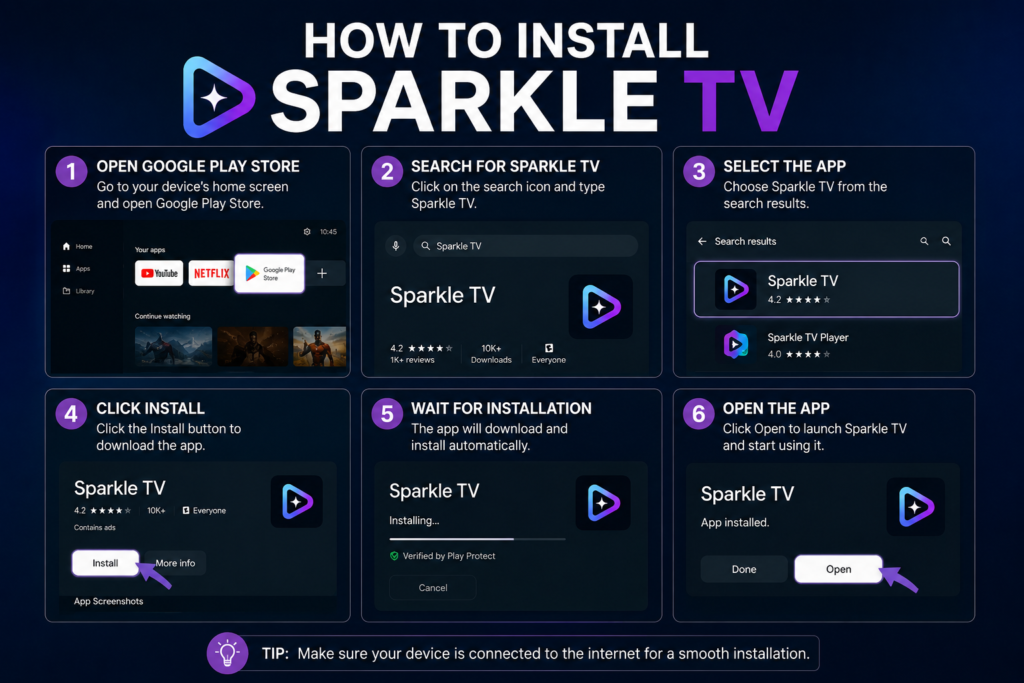
Installing Sparkle TV is straightforward.
Step 1
Open your device’s application store.
Step 2
Search for:
Sparkle TV
Step 3
Select the application.
Step 4
Install it.
Step 5
Launch the application.
Installation usually takes only a few minutes depending on your internet connection.
How to Set Up Sparkle TV
After installation, the application guides users through the initial configuration.
Typical steps include:
- Launch the application.
- Add a compatible playlist or supported media source.
- Configure the electronic program guide if available.
- Organize favorite channels.
- Adjust playback preferences.
- Customize appearance settings.
Once completed, the interface is ready for use.
User Interface and Navigation
Sparkle TV focuses on simplicity.
The home screen generally provides quick access to:
- Live channels
- Categories
- Favorites
- Search
- Settings
- Program guide
Navigation is smooth even on mid-range Android TV devices.
Performance
Performance is one of Sparkle TV’s biggest strengths.
Many users appreciate:
- Fast startup
- Smooth scrolling
- Stable playback
- Responsive menus
- Quick channel switching
The application is lightweight compared to many alternatives.
Customization Options
Sparkle TV includes several personalization features.
Examples include:
- Theme options
- Grid layouts
- List layouts
- Channel sorting
- Favorite categories
- Font adjustments
- Playback settings
Users can adapt the interface to their preferences.
Advantages of Sparkle TV
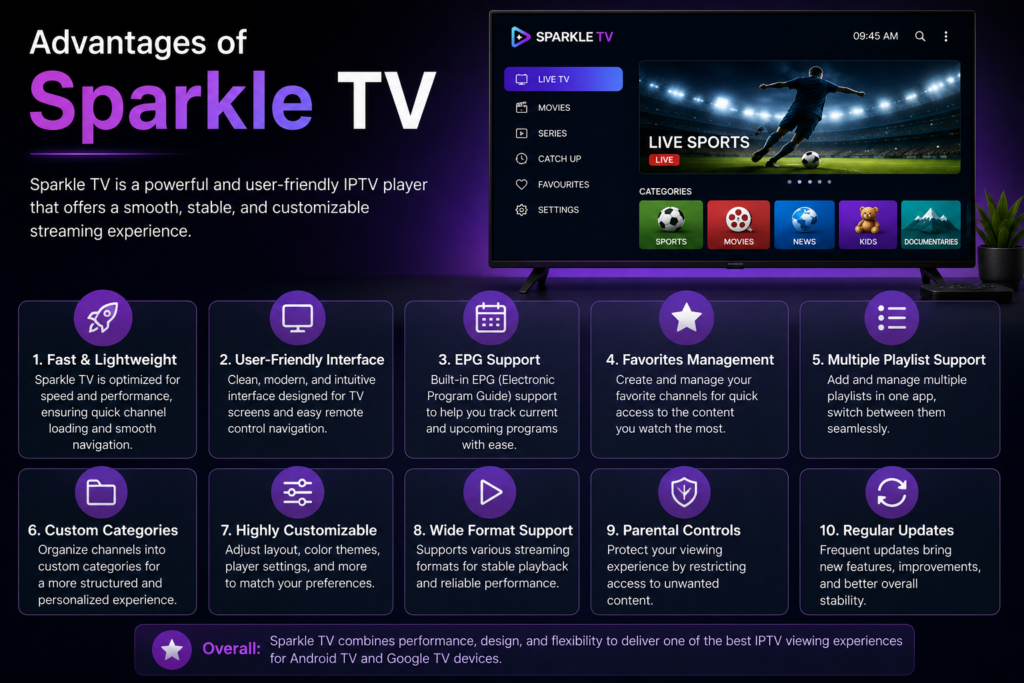
Sparkle TV offers several benefits.
Excellent Performance
Menus respond quickly.
Clean Interface
Easy for beginners.
Remote Friendly
Designed specifically for TV remotes.
Modern Design
Professional appearance.
Good EPG Support
Program information is displayed clearly.
Regular Updates
The application continues to receive improvements.
Limitations
Like any application, Sparkle TV has a few limitations.
- Android-focused platform
- Some advanced features may depend on the media source used
- Initial configuration may require a few setup steps
These are relatively minor for most users.
Tips for Better Performance
To improve your experience:
- Keep the application updated.
- Restart your device occasionally.
- Use a stable internet connection.
- Organize favorite channels.
- Remove unused playlists.
- Keep enough free storage on your device.
These simple practices help maintain smooth performance.
Common Issues and Solutions
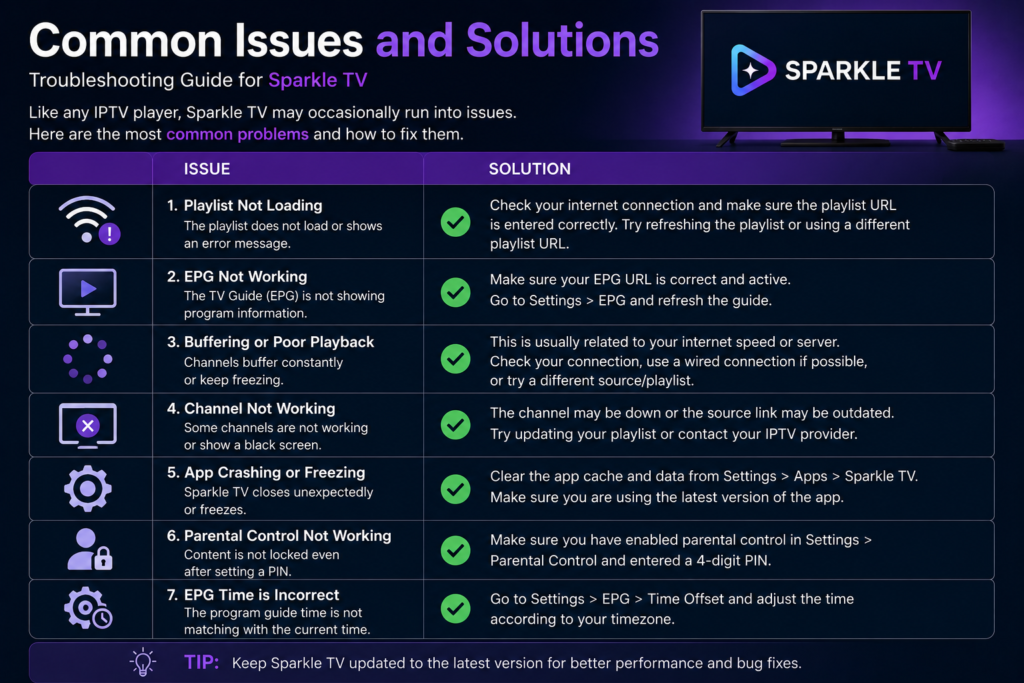
Playlist Doesn’t Load
Check that the playlist or media source is correctly entered and accessible.
EPG Not Displaying
Refresh the guide and verify that the program guide source is properly configured.
Slow Navigation
Restart the application and close background apps if your device has limited resources.
Playback Problems
Verify your internet connection and ensure the media source is functioning correctly.
Application Freezes
Install the latest available version and restart your device.
Sparkle TV vs Other Players
Compared with many television player applications, Sparkle TV stands out for:
- Faster interface
- Better TV optimization
- Excellent EPG integration
- Modern design
- Smooth remote navigation
The best choice depends on your preferred interface and supported device.
Is Sparkle TV Worth Using?
Sparkle TV is an excellent choice for users looking for a modern television player on Android TV devices.
Its combination of speed, clean design, customization options, and program guide support makes it a strong option for home entertainment setups.
Users who value a TV-friendly interface and easy navigation are likely to appreciate its overall experience.
Frequently Asked Questions
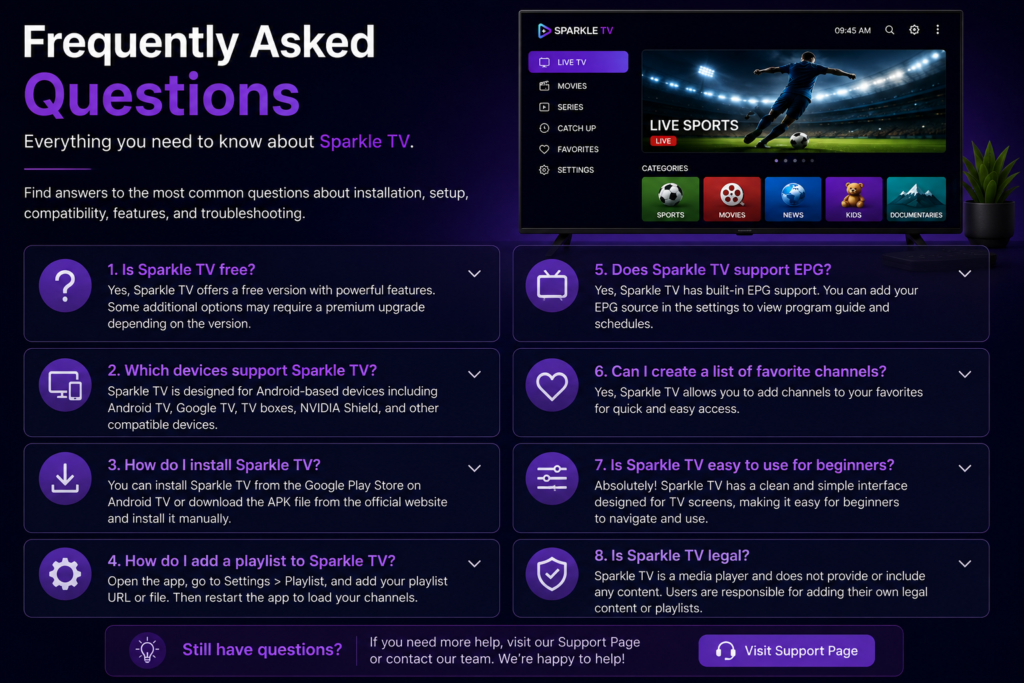
Is Sparkle TV free?
Sparkle TV offers a free version, and additional features may be available through premium options depending on the version.
Which devices support Sparkle TV?
It is primarily designed for Android TV, Google TV, compatible TV boxes, and other supported Android-based television devices.
Does Sparkle TV support EPG?
Yes. It includes electronic program guide support for compatible guide sources.
Can I organize favorite channels?
Yes. Favorite groups help users access frequently watched channels more quickly.
Is Sparkle TV beginner-friendly?
Yes. Its interface is simple, clean, and optimized for television navigation.
Final Thoughts
Sparkle TV continues to be one of the most polished television player applications available for Android TV users. Its modern interface, excellent performance, advanced EPG support, and extensive customization options make it suitable for both beginners and experienced users.
If you’re looking for a reliable TV-focused media player with a smooth viewing experience and intuitive navigation, Sparkle TV is well worth exploring.
Related IPTV App Guides
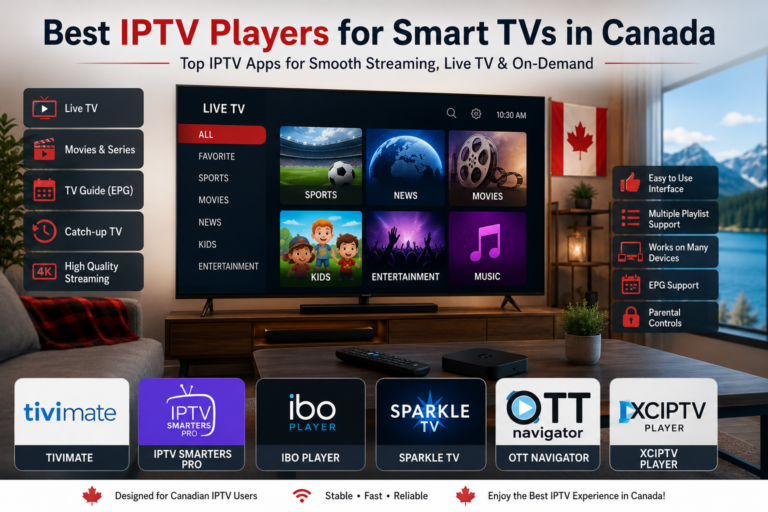
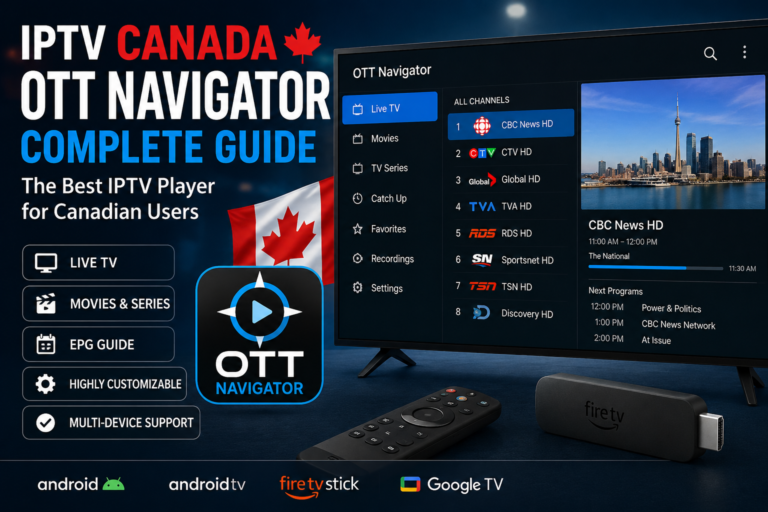
If you’re exploring different IPTV players, you may also find these detailed guides helpful. Each article covers installation, features, setup instructions, and performance to help you choose the right IPTV app for your needs.
- Best IPTV Apps for Canada in 2026 – Compare the most popular IPTV players available for Canadian users and discover their key features.
- IPTV Smarters Pro Setup Guide for Canadian Users – Learn how to install, configure, and get started with IPTV Smarters Pro.
- TiviMate Review: Is It the Best IPTV Player in Canada? – Explore TiviMate’s interface, premium features, pros, and cons.
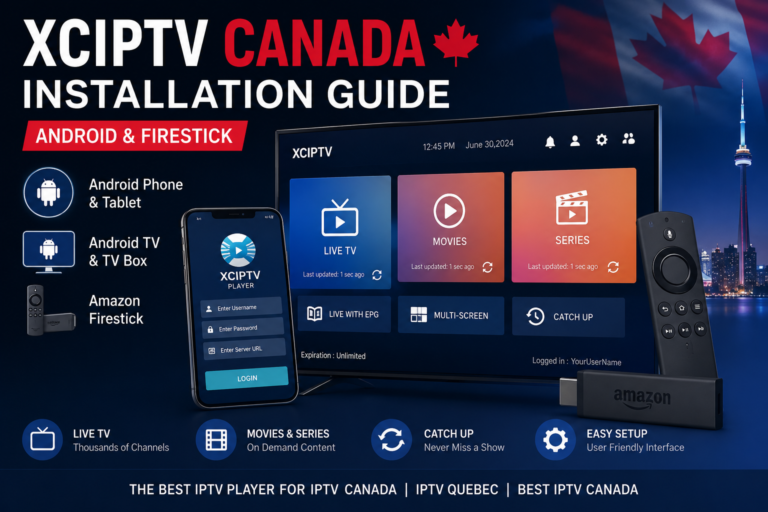
- XCIPTV Installation Guide for Android & Firestick – Follow a step-by-step tutorial to install and configure XCIPTV on your favorite devices.
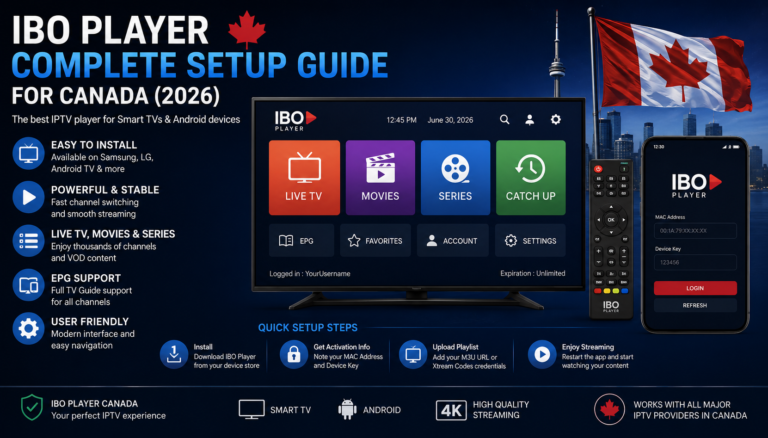
- IBO Player Complete Setup Guide – Everything you need to know about installing and setting up IBO Player for a smooth viewing experience.
Looking for even more iPTV tips and tutorials? Visit our blog for additional setup guides, player comparisons, and troubleshooting articles.