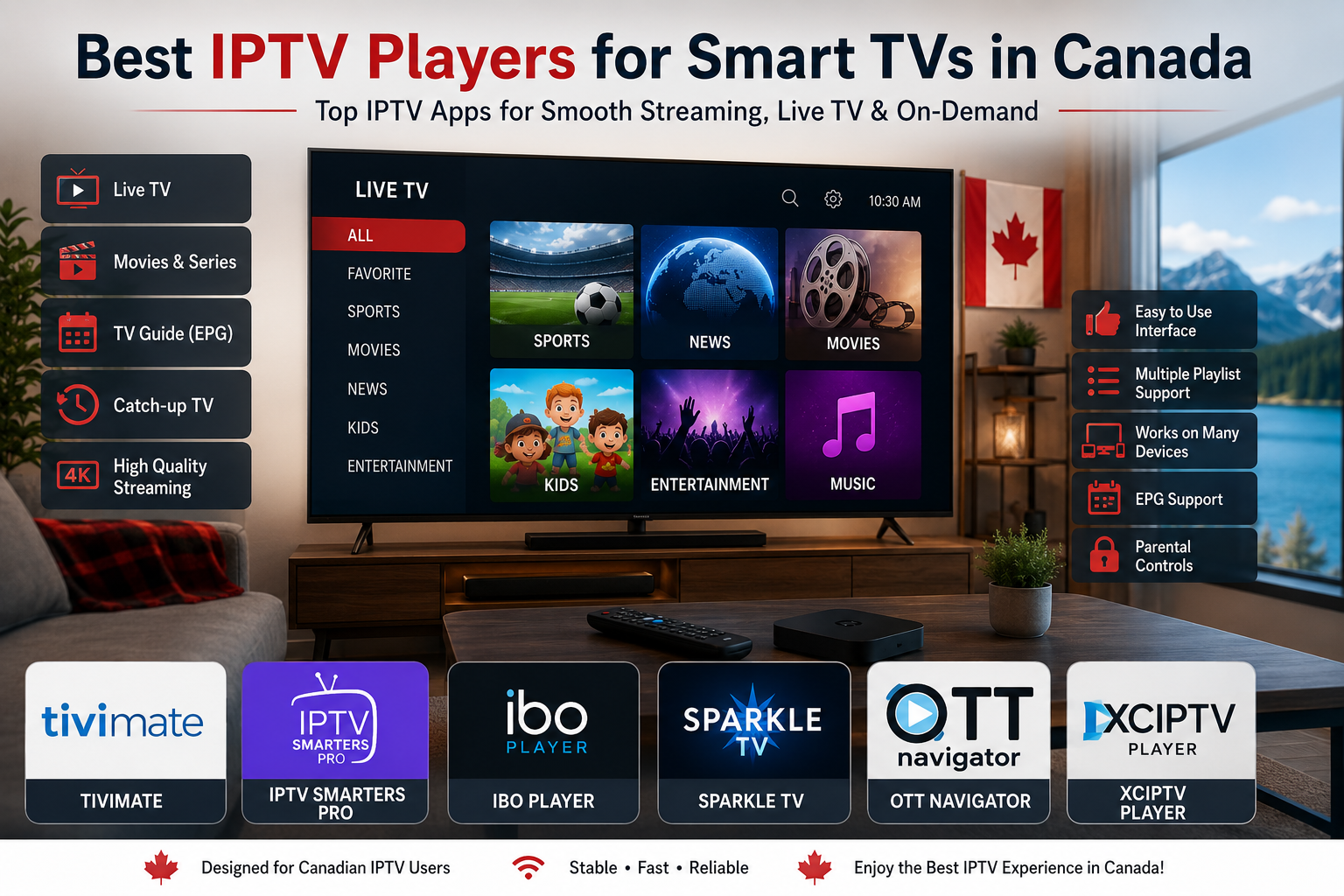
Best IPTV Player Canada for Smart TVs
Smart TVs have become the preferred choice for streaming live television, movies, and sports without additional hardware. Choosing the right IPTV player is essential for getting the best experience from your IPTV Canada subscription.
Unlike IPTV providers, IPTV players don’t include TV channels. Instead, they organize and display your IPTV subscription through features such as TV guides, playlists, favorites, and catch-up support.
In this guide, we’ll compare the best IPTV players available for Smart TVs in Canada and help you choose the right one.
What Is an IPTV Player?
An IPTV player is an application that lets you watch television content delivered through an IPTV subscription. It supports playlist formats like M3U and Xtream Codes, giving users an easy way to access live TV, movies, and series.
An IPTV player itself does not provide channels. Instead, it works with your existing IPTV subscription.
Most IPTV players include:
- Electronic Program Guide (EPG)
- Favorite channels
- Search function
- Catch-up TV (if supported)
- Multiple playlist support
- Video-on-demand compatibility
Choosing the right player can significantly improve your overall IPTV Canada experience.
Why Choosing the Right IPTV Player Matters
A good IPTV player improves both performance and usability.
Benefits include:
- Faster channel loading
- Better video quality
- Easier navigation
- Stable playback
- Organized TV guide
- Better parental controls
- Support for multiple playlists
If you watch IPTV every day, selecting a high-quality player can make streaming much more enjoyable.
Best IPTV Players for Smart TVs in Canada
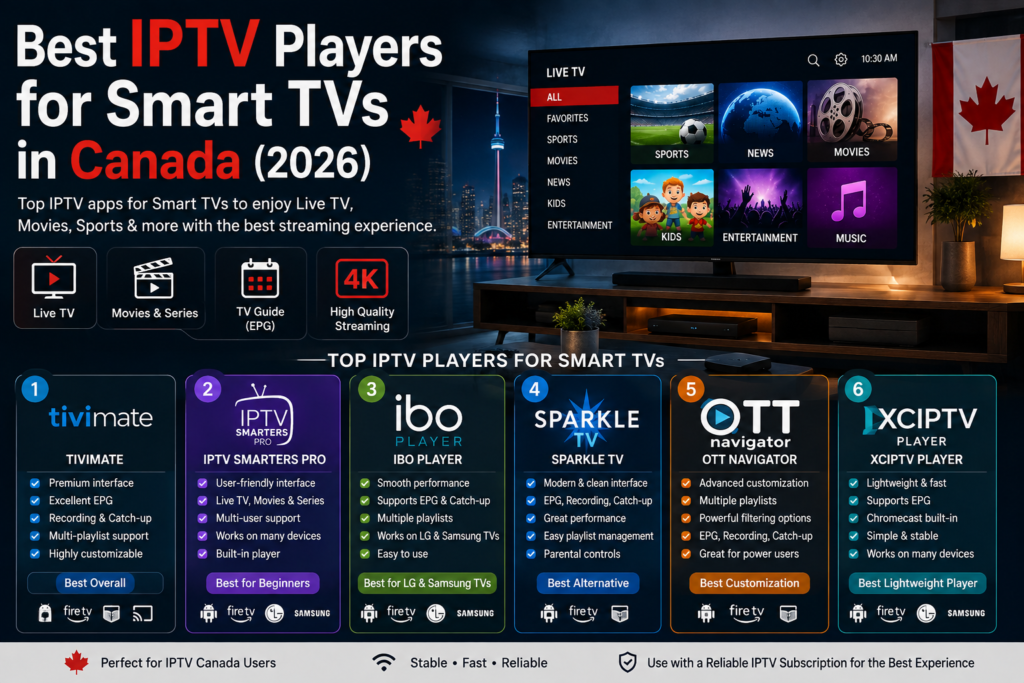
1. TiviMate
TiviMate is widely considered one of the best IPTV player canada for Android TV and Google TV devices.
Advantages
- Beautiful interface
- Excellent EPG
- Recording support
- Favorites
- Multi-screen mode
- Playlist management
- Premium customization
Best for:
- Fire TV Stick
- NVIDIA Shield
- Android TV
- Chromecast with Google TV
2. IPTV Smarters Pro
IPTV Smarters Pro remains one of the most popular IPTV players worldwide.
Features include:
- Live TV
- Movies
- Series
- Multi-user support
- External player compatibility
- Easy login using Xtream Codes
Ideal for beginners because of its simple interface.
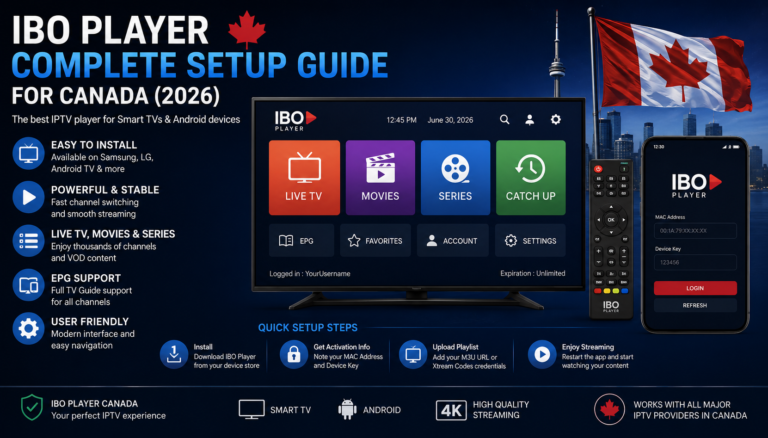
3. IBO Player
IBO Player offers a modern interface and excellent playback quality.
Highlights:
- Fast loading
- Smooth navigation
- Supports multiple playlists
- High-quality streaming
- Easy activation
Many Canadian IPTV users appreciate its stability on Smart TVs.
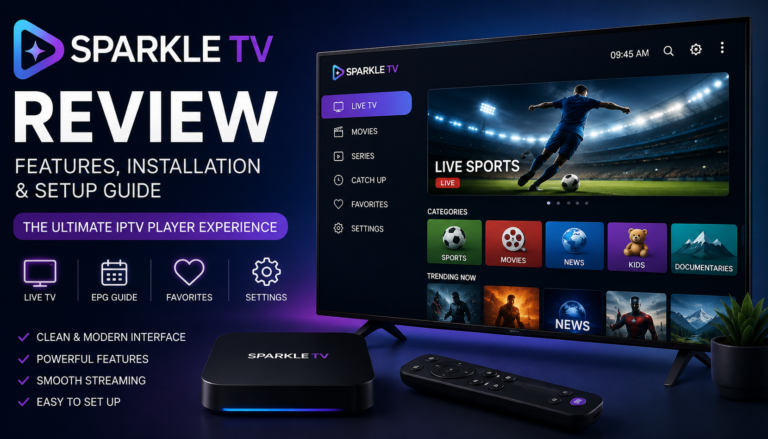
4. Sparkle TV
Sparkle TV has become increasingly popular among Android TV users.
Features:
- TV Guide
- Recording
- Catch-up
- Live TV
- Modern interface
- Excellent customization
It’s an excellent alternative to TiviMate.
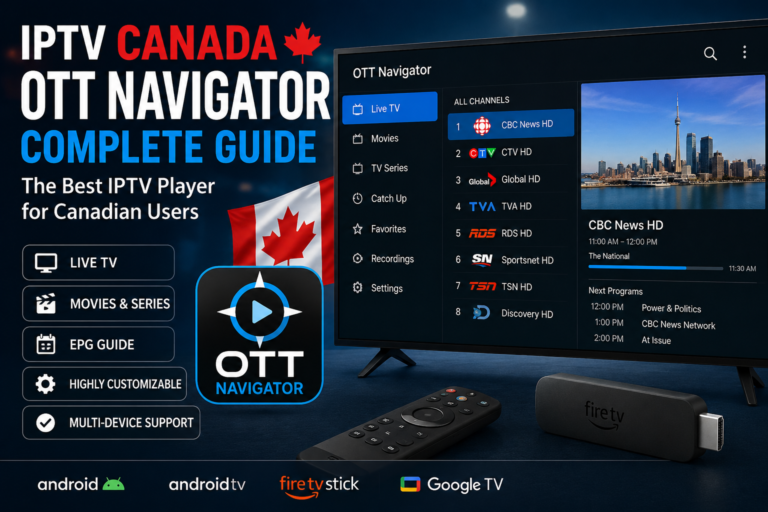
5. OTT Navigator
OTT Navigator is designed for advanced IPTV users.
Features:
- Powerful filtering
- Multiple playlists
- Custom categories
- Recording
- Catch-up support
- Personalized interface
Perfect for users who want maximum customization.
Comparison Table
| IPTV Player | Android TV | FireStick | LG TV | Samsung TV | Premium Version |
|---|---|---|---|---|---|
| TiviMate | ✅ | ✅ | ❌ | ❌ | ✅ |
| IPTV Smarters | ✅ | ✅ | ✅ | ✅ | Free & Premium |
| IBO Player | ✅ | ✅ | ✅ | ✅ | Activation Required |
| Sparkle TV | ✅ | ✅ | ❌ | ❌ | ✅ |
| OTT Navigator | ✅ | ✅ | ❌ | ❌ | Optional |
Which IPTV Player Is Best for Canada?
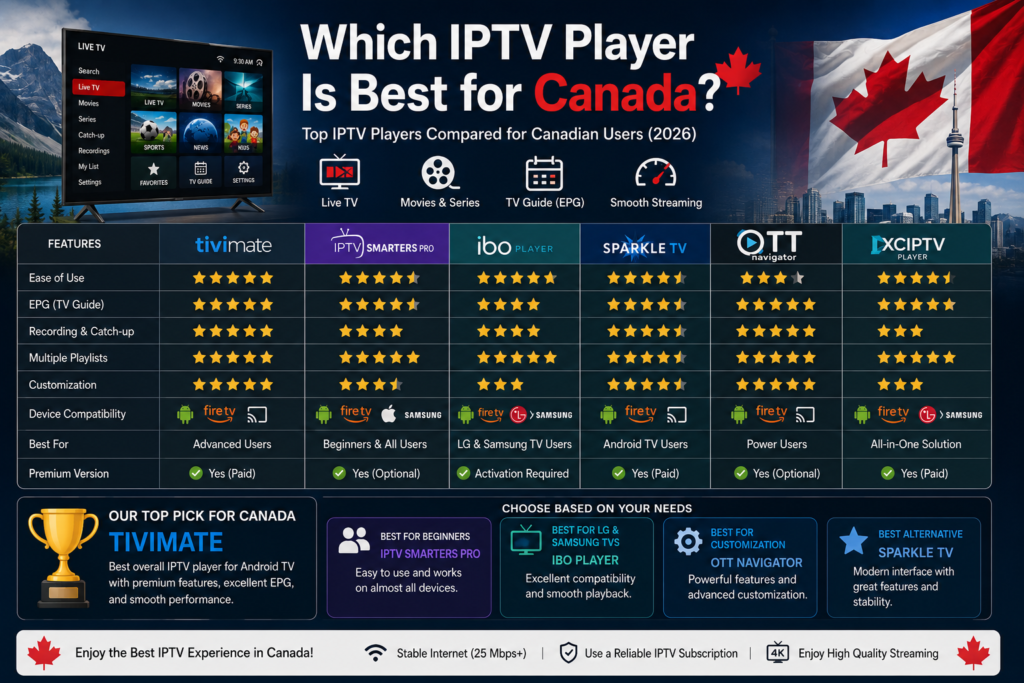
The answer depends on your device and preferences.
Best Overall
🏆 TiviMate
Perfect for Android TV users.
Best for Beginners
🏆 IPTV Smarters Pro
Simple interface and easy setup.
Best for LG and Samsung TVs
🏆 IBO Player
Excellent compatibility with Smart TVs.
Best Customization
🏆 OTT Navigator
Ideal for advanced users.
Best Alternative
🏆 Sparkle TV
A strong competitor with modern features.
How to Choose the Right IPTV Player
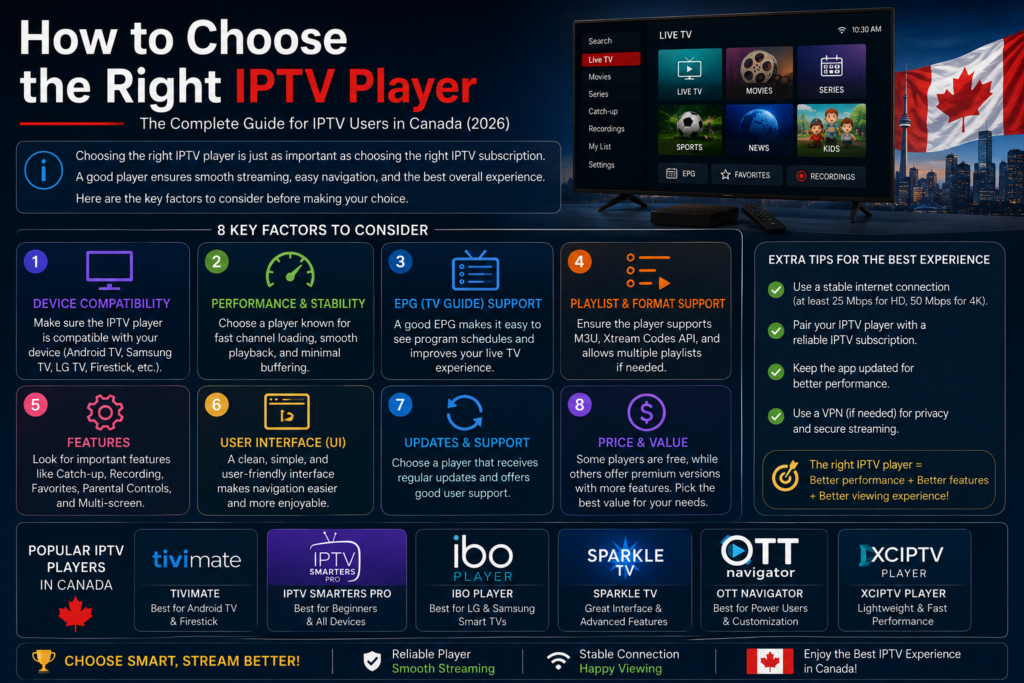
Before downloading an IPTV player, consider:
- Device compatibility
- Interface quality
- EPG support
- Recording options
- Multiple playlists
- Speed
- Regular updates
- Customer support
The right application can dramatically improve your IPTV Canada streaming experience.
Tips for the Best IPTV Experience
To get the best results:
- Use a stable internet connection (25 Mbps or higher for 4K).
- Keep your IPTV player updated.
- Refresh your EPG regularly.
- Organize favorite channels.
- Use a reliable IPTV subscription.
- Restart your Smart TV occasionally for smoother performance.
Frequently Asked Questions
What is the best IPTV player in Canada?
TiviMate is one of the best options for Android TV users, while IPTV Smarters Pro and IBO Player are also excellent choices depending on your Smart TV.
Does an IPTV player include TV channels?
No. IPTV players only organize and display content from your IPTV subscription.
Can I use IPTV players on Samsung Smart TVs?
Yes. Applications such as IPTV Smarters Pro and IBO Player are compatible with many Samsung Smart TVs.
Which IPTV player works best on LG Smart TVs?
IBO Player and IPTV Smarters Pro are among the most popular choices for LG Smart TVs.
Is TiviMate available for every Smart TV?
TiviMate is primarily designed for Android TV and Google TV devices. It is not natively available on LG webOS or Samsung Tizen TVs.
Final Verdict
Choosing the right IPTV player is just as important as choosing the right IPTV subscription. Whether you prefer TiviMate, IPTV Smarters Pro, IBO Player, Sparkle TV, or OTT Navigator, each application offers unique strengths for different Smart TV platforms.
For most Android TV users, TiviMate remains the top recommendation thanks to its premium interface, excellent EPG, and advanced customization options. If you use an LG or Samsung Smart TV, IBO Player or IPTV Smarters Pro are strong alternatives.
No matter which player you choose, pairing it with a reliable IPTV Canada subscription and a stable internet connection will help you enjoy smooth streaming, high-quality video, and a better viewing experience.