How to Install IPTV on Amazon Firestick
Amazon Firestick has become one of the most popular streaming devices in Canada thanks to its affordability, speed, and compatibility with IPTV applications. If you recently purchased an IPTV Canada subscription, setting it up on your Firestick takes only a few minutes.
In this guide, you’ll learn how to install an IPTV player, configure your subscription, and optimize your Firestick for smooth streaming in 2026.
Why Use Amazon Firestick for IPTV Canada?
Firestick is one of the best devices for IPTV because it offers excellent performance, simple navigation, and access to many IPTV players.
Benefits include:
- Affordable streaming device
- Supports Full HD and 4K streaming
- Easy installation
- Fast performance
- Remote control included
- Compatible with most IPTV apps
- Regular software updates
For Canadian users looking for an affordable IPTV setup, Firestick is an excellent choice.
What You Need Before Installing IPTV
Before you begin, make sure you have:
- Amazon Firestick
- Stable internet connection (25 Mbps or higher for 4K)
- IPTV Canada subscription
- IPTV login details (M3U URL or Xtream Codes)
- Amazon account
- IPTV player application
Once these are ready, you’re ready to install your IPTV service.
Step 1 – Prepare Your Firestick
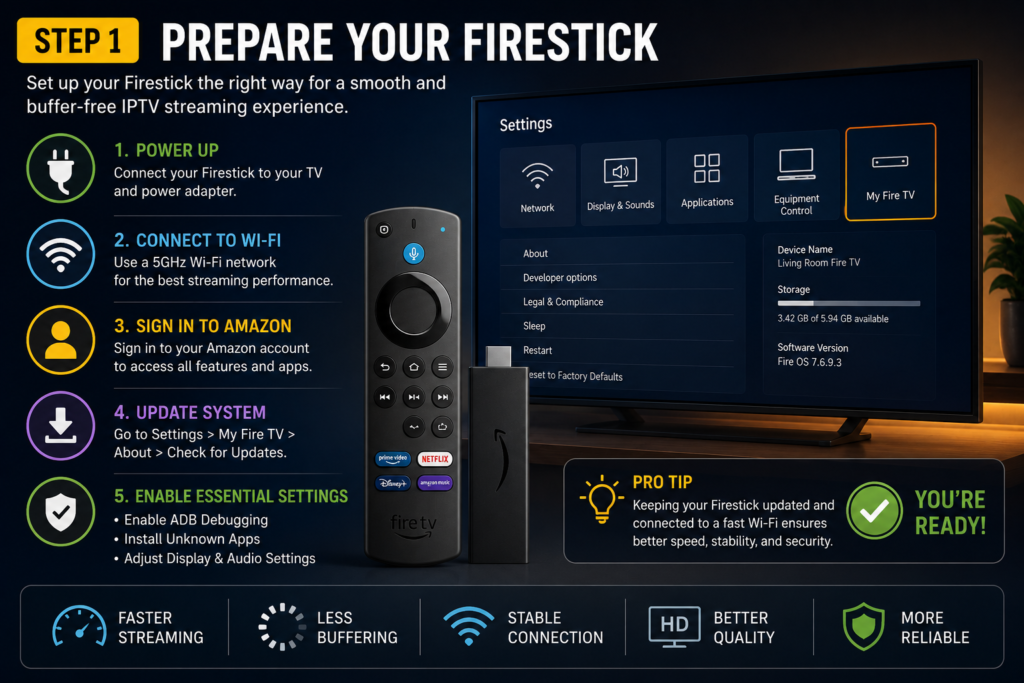
Before installing any IPTV player, configure your Firestick.
Go to:
Settings → My Fire TV → Developer Options
Enable:
- Apps from Unknown Sources
- ADB Debugging (if available)
Then restart your Firestick.
Step 2 – Install Downloader
Downloader allows you to install IPTV applications that are not available directly from the Amazon Appstore.
Steps:
- Open the Amazon Appstore.
- Search for Downloader.
- Install the application.
- Open Downloader.
- Allow all requested permissions.
Downloader will be used to install your preferred IPTV player.
Step 3 – Choose an IPTV Player
Several IPTV players work perfectly with Firestick.
Popular choices include:
- TiviMate
- IPTV Smarters Pro
- Sparkle TV
- XCIPTV
- OTT Navigator
- IBO Player (where supported)
Each player offers a different interface, but they all work with most IPTV Canada subscriptions.
Step 4 – Install Your IPTV Player
After opening Downloader:
- Enter the official download link provided by the IPTV player.
- Download the installation file.
- Click Install.
- Open the application.
The installation usually takes less than two minutes.
Step 5 – Add Your IPTV Canada Subscription
Once your IPTV player is installed, log in using the details supplied by your IPTV provider.
Most applications support:
Xtream Codes Login
Enter:
- Username
- Password
- Server URL
or
M3U Playlist
Paste your playlist URL.
After logging in, the player will automatically load:
- Live TV
- Movies
- TV Series
- Categories
- Electronic Program Guide (EPG)
Best IPTV Players for Firestick
| IPTV Player | Easy Setup | EPG | Favorites | Best For |
|---|---|---|---|---|
| TiviMate | ⭐⭐⭐⭐⭐ | ✅ | ✅ | Android TV & Firestick |
| IPTV Smarters Pro | ⭐⭐⭐⭐⭐ | ✅ | ✅ | Beginners |
| Sparkle TV | ⭐⭐⭐⭐☆ | ✅ | ✅ | Modern Interface |
| OTT Navigator | ⭐⭐⭐⭐☆ | ✅ | ✅ | Advanced Users |
| XCIPTV | ⭐⭐⭐⭐☆ | ✅ | ✅ | Everyday Streaming |
Optimize Your Firestick for Better IPTV Streaming
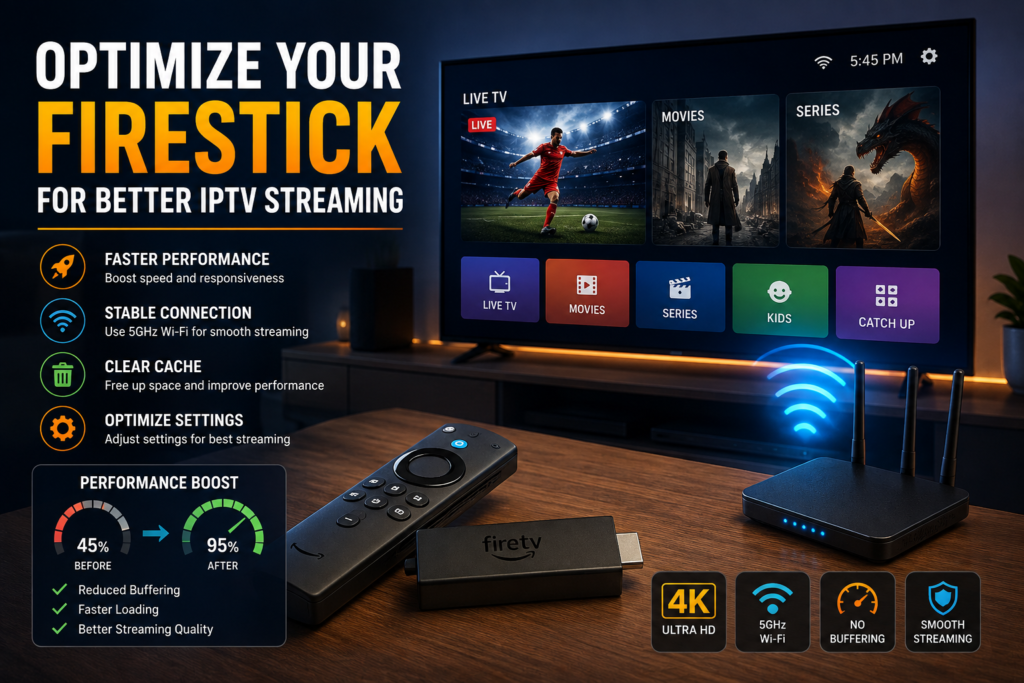
To improve performance:
- Close unused apps.
- Keep Firestick updated.
- Use a 5 GHz Wi-Fi network.
- Clear cache regularly.
- Restart the device occasionally.
- Update your IPTV player.
These simple tips help reduce buffering and improve video quality.
Common IPTV Installation Problems
IPTV App Won’t Install
- Check available storage.
- Restart Firestick.
- Download the latest version.
Login Doesn’t Work
- Verify your username and password.
- Check the server URL.
- Confirm your IPTV subscription is active.
Buffering Issues
- Restart your router.
- Use a faster internet connection.
- Reduce background downloads.
- Refresh your playlist.
EPG Not Loading
- Update the playlist.
- Refresh the TV guide.
- Restart the IPTV application.
Firestick vs Android TV for IPTV Canada
| Feature | Firestick | Android TV |
|---|---|---|
| Price | ⭐⭐⭐⭐⭐ | ⭐⭐⭐ |
| Easy Setup | ⭐⭐⭐⭐⭐ | ⭐⭐⭐⭐ |
| Performance | ⭐⭐⭐⭐ | ⭐⭐⭐⭐⭐ |
| IPTV Compatibility | Excellent | Excellent |
| App Availability | Excellent | Excellent |
Both platforms provide an excellent IPTV experience, but Firestick remains one of the easiest options for beginners.
Why Canadians Choose Firestick for IPTV
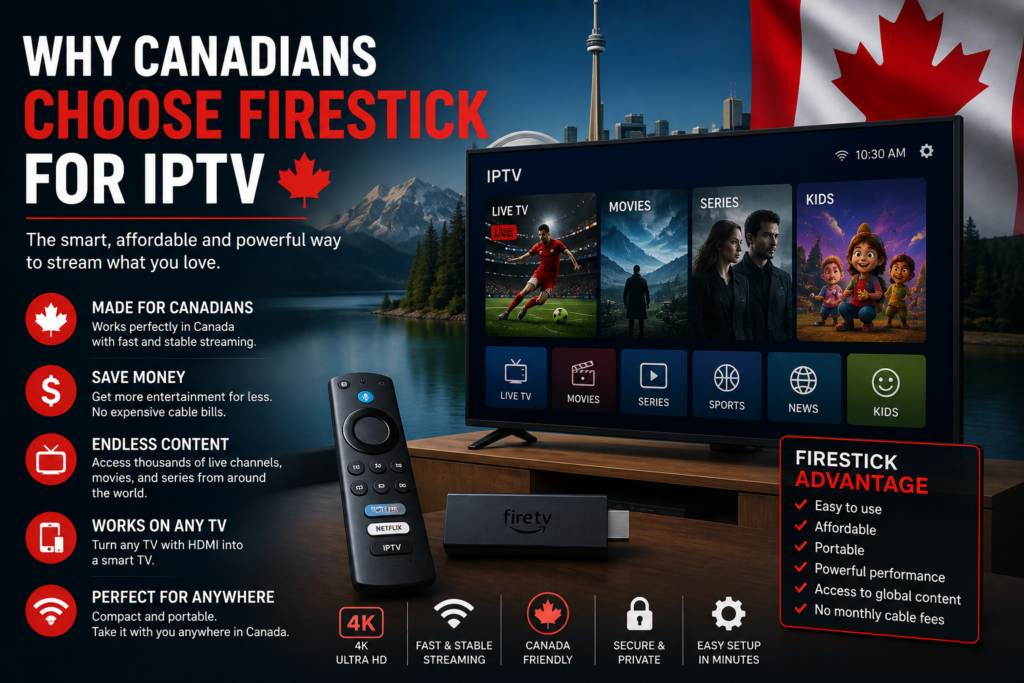
Many users across Canada prefer Firestick because it combines affordability, portability, and excellent compatibility with IPTV services.
Whether you’re watching:
- Live sports
- Canadian TV channels
- International news
- Movies
- TV series
- 4K entertainment
Firestick provides a reliable streaming experience when paired with a quality IPTV Canada subscription.
Frequently Asked Questions
Can I install IPTV on any Amazon Firestick?
Yes. Most Firestick models support IPTV applications, including Fire TV Stick Lite, Fire TV Stick HD, Fire TV Stick 4K, and Fire TV Stick 4K Max.
Which IPTV player is best for Firestick?
TiviMate and IPTV Smarters Pro are among the most popular choices thanks to their smooth interface and extensive feature sets.
Do IPTV players include TV channels?
No. IPTV players do not include channels. They simply organize and display content from your IPTV subscription.
Is Firestick good for 4K IPTV?
Yes. Fire TV Stick 4K and Fire TV Stick 4K Max are excellent choices for streaming 4K content with a stable internet connection.
How long does installation take?
Most users can complete the installation and setup process in less than 10 minutes.
Final Verdict
Amazon Firestick is one of the best streaming devices for enjoying IPTV Canada. Its affordable price, simple interface, and wide compatibility with IPTV players make it a great choice for beginners and experienced users alike.
By following this guide, you can install an IPTV player, add your subscription, and start streaming live TV, movies, sports, and series in just a few minutes. Pair your Firestick with a reliable IPTV service and a fast internet connection to enjoy the best viewing experience possible in 2026.